
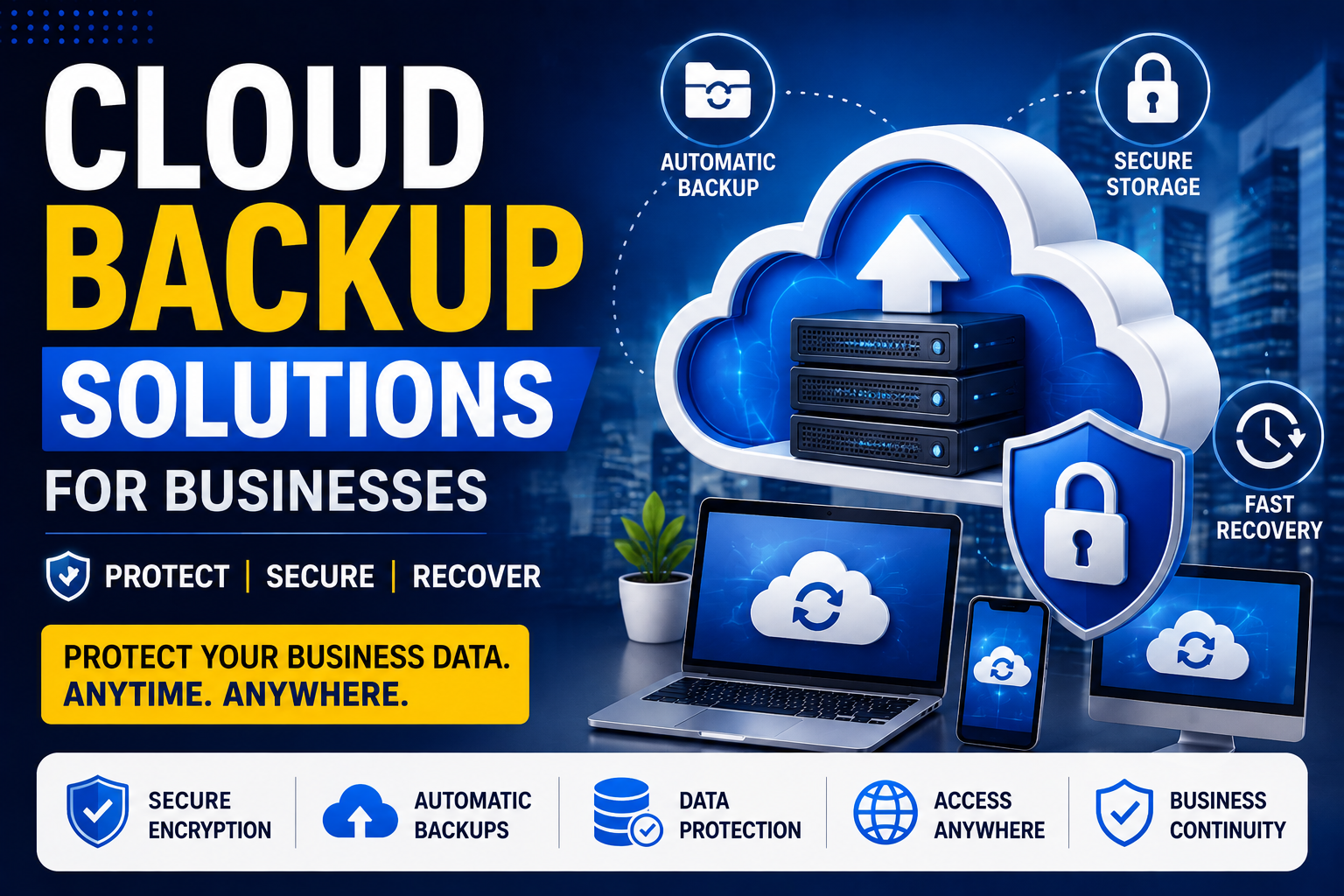
Protect Your Business Data with Secure Cloud Backup Solutions
Data is one of the most valuable assets for any business. Whether it’s customer information, financial records, project files, or operational documents, losing important data can lead to serious financial losses and business disruption. Hardware failures, cyberattacks, accidental deletion, and natural disasters can happen at any time.
That’s why businesses of all sizes are adopting Cloud Backup Solutions to protect their critical information. Cloud backup provides a secure, automated, and reliable way to store business data, ensuring it can be recovered whenever needed.
What Are Cloud Backup Solutions?
Cloud backup is a service that automatically copies and stores business data on secure remote servers. Unlike traditional backups that rely on external hard drives or local servers, cloud backups are stored online and can be accessed from anywhere with an internet connection.
Cloud backup solutions help businesses recover data quickly after unexpected incidents while reducing the risk of permanent data loss.
Why Cloud Backup Is Important for Businesses
Modern businesses generate large amounts of digital data every day. Without a proper backup strategy, even a small technical issue can cause major operational problems.
Benefits of Cloud Backup
- Protects valuable business data
- Automatic scheduled backups
- Fast disaster recovery
- Secure encrypted storage
- Access from anywhere
- Reduced downtime
- Cost-effective solution
- Supports business continuity
Common Causes of Data Loss
Businesses face various risks that can result in data loss, including:
Hardware Failure
Hard drives and servers can fail unexpectedly, causing important files to become inaccessible.
Cyberattacks
Ransomware and malware attacks can encrypt or destroy business data.
Human Error
Employees may accidentally delete important files or overwrite critical documents.
Natural Disasters
Floods, fires, earthquakes, and power failures can damage physical storage devices.
Software Issues
Application crashes and system failures can lead to data corruption.
Key Features of Cloud Backup Solutions
Automatic Backups
Files are backed up automatically according to a scheduled plan, eliminating the need for manual backups.
Benefits
- Saves time
- Reduces human error
- Ensures consistent protection
Secure Data Encryption
Cloud backup providers encrypt data during transfer and storage to prevent unauthorized access.
Benefits
- Enhanced security
- Compliance with regulations
- Data privacy protection
Disaster Recovery
Cloud backup enables businesses to restore systems quickly after data loss or cyberattacks.
Benefits
- Faster recovery
- Reduced downtime
- Business continuity
Version History
Many cloud backup services keep multiple versions of files, allowing businesses to recover previous versions if needed.
Benefits
- Easy file restoration
- Protection against accidental changes
Remote Access
Employees can securely access backed-up files from any location.
Benefits
- Supports remote work
- Improves collaboration
- Greater flexibility
Best Practices for Cloud Backup
To maximize data protection, businesses should:
- Schedule automatic backups.
- Encrypt sensitive files.
- Test backup recovery regularly.
- Backup critical business applications.
- Restrict access to backup systems.
- Monitor backup status.
- Keep software updated.
- Follow the 3-2-1 backup strategy.
Industries That Benefit from Cloud Backup
Cloud backup solutions are valuable across many industries:
- Healthcare
- Financial Services
- Retail
- Manufacturing
- Education
- Legal Firms
- Real Estate
- E-commerce
- Logistics
- IT Companies
How to Choose the Right Cloud Backup Provider
When selecting a cloud backup service, consider:
- Storage capacity
- Security features
- Backup automation
- Recovery speed
- Data encryption
- Pricing
- Customer support
- Scalability
Choose a provider that can grow alongside your business while keeping your data safe.
Advantages of Cloud Backup Solutions
Businesses that use cloud backup enjoy several long-term advantages:
Improved Data Protection
Automatic backups reduce the risk of permanent data loss.
Lower IT Costs
Cloud backup eliminates the need for expensive on-site storage infrastructure.
Business Continuity
Quick recovery ensures your business can continue operating even after unexpected incidents.
Better Compliance
Secure backup solutions help businesses meet data protection regulations.
Increased Customer Trust
Clients feel more confident when their information is protected by reliable backup systems.
Future of Cloud Backup
Cloud backup technology continues to evolve with AI-powered monitoring, automated threat detection, ransomware protection, and faster disaster recovery solutions. Businesses adopting these technologies will benefit from stronger security and improved operational resilience.
Conclusion
Cloud backup is no longer just an option—it has become an essential part of modern business operations. By protecting critical files, reducing downtime, and enabling rapid recovery, cloud backup solutions help businesses stay secure and productive.
Whether you’re a small business or a growing enterprise, investing in a reliable cloud backup solution ensures your valuable data remains protected against cyber threats, hardware failures, and unexpected disasters.
A strong backup strategy today can prevent costly data loss tomorrow.
Frequently Asked Questions (FAQs)
Why do businesses need cloud backup?
Cloud backup protects business data from accidental deletion, cyberattacks, hardware failures, and natural disasters while ensuring quick recovery.
Is cloud backup secure?
Yes. Most cloud backup providers use advanced encryption, secure data centers, and access controls to keep business data protected.
How often should businesses back up their data?
Critical business data should be backed up automatically every day, while highly active systems may require continuous backups.
Can cloud backup help recover from ransomware?
Yes. Businesses can restore clean backup copies of their data after removing the ransomware infection, reducing downtime and financial loss.